Dashboards
Dashboards let you visualize and monitor the data in your namespace directly from the Energyworx console. A dashboard is composed of widgets — charts, tables, and counters — each backed by an EQL (Energyworx Query Language) query, so you can slice timeseries data, flow statistics, and audit information any way you need.
In this section you will find how to:
- Adjust dashboard parameters such as time periods and widget settings
- Write EQL queries to power your widgets
- Copy dashboards to other users
- Build dashboards for flow timings to analyse rule performance
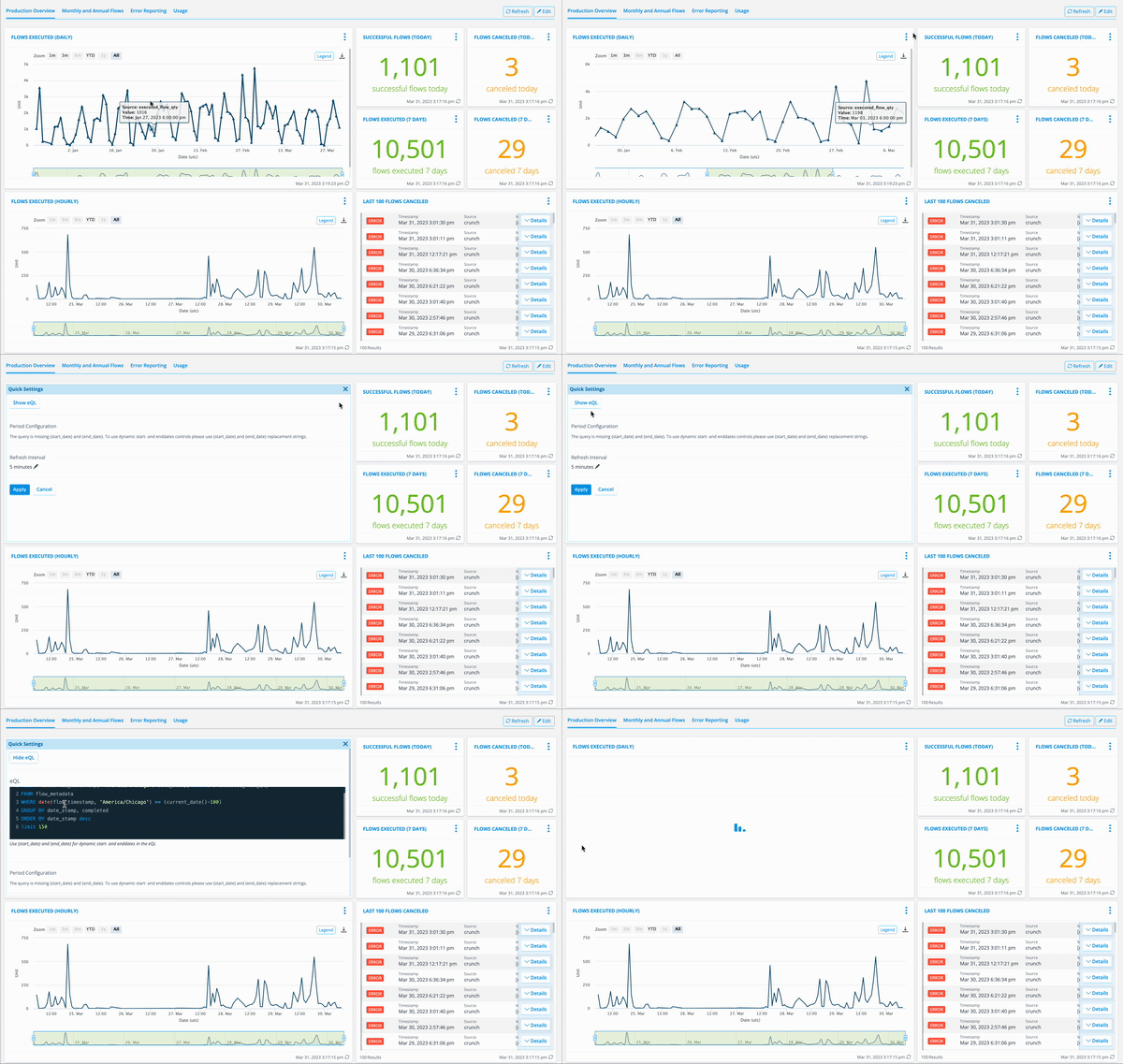
This animation demonstrates how dashboards can be configured in the Energyworx platform, showcasing the intuitive interface and the underlying eQL (Energyworx Query Language) that powers the data visualizations.
This video demonstrates how dashboards can be configured in the Energyworx platform