SAML
SAML (Security Assertion Markup Language) is an open standard for exchanging authentication and authorization data between different systems, typically an identity provider and a service provider. It allows users to log in once with a central identity system, and then securely access multiple applications without needing to authenticate again. Our system provides SAML integration to ensure a seamless and secure experience for users of our platform, allowing them to move effortlessly across services without repeated logins.
NOTE: In order to be able to use the SAML feature, this needs to be requested to the Service Desk.
SAML provides an automated alternative to the manual whitelisting and permission assignment process. For the manual process, see How to add a new user.
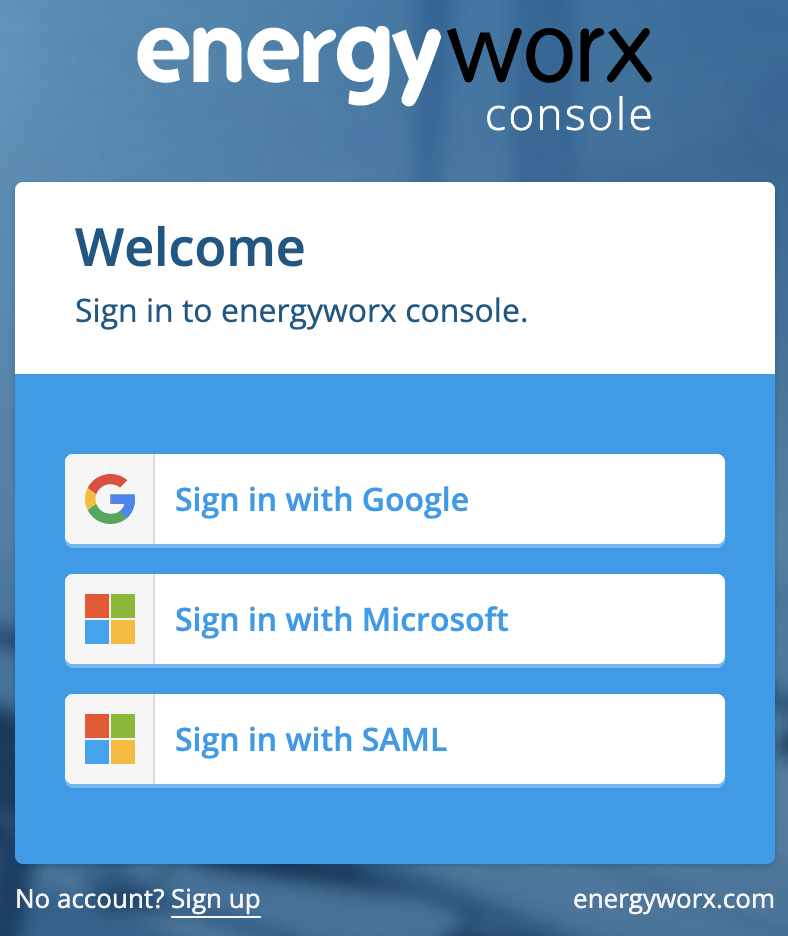
In order to log in with SAML the user can click on the Sign in with SAML login button and it will automatically redirect to the Microsoft page for authentication. If not logged in already it will ask for the corresponding credentials for the user's account. Once logged in through the user's account it will automatically redirect to the Energyworx homepage (dashboard page).
Automatic whitelisting
SAML authentication allows for automatic whitelisting of users to the namespaces belonging to a certain billing account. In order to configure this mechanism the administrator has the ability to add email domains to a Billing Account property. This can be found in Administrator-> Billing Accounts and then after clicking on the details button of the corresponding Billing Account the property named allowed_email_domains allows to configure the email domains.

Permissions Group mapping
Another feature that is provided with SAML authentication is the ability to map Energyworx user groups (and their corresponding permissions) in the platform to user groups on an external system. This way any user, which has an account in the external system, and logs in for the first time in the Energyworx platform, will automatically acquire all the permissions from the Energyworx groups that the user belongs to. These groups mappings must be configured in two places:
- The SAML authentication provider configuration (for instance a Google Workspace). The administrator must configure the sign_in_attributes field and this must specify the names of the groups to be mapped in the platform. This is a key-value pair in JSON format. For example:
- "MappingGroupSchemaKey": ["Group1", "Group2"]
- The Namespaces that the administrator wants to configure as the Namespaces that the users can have access to with the specific permissions. The administrator can configure the namespace property iam_group_mapping. This namespace property must contain the group mappings by specifying the key provided in the SAML configuration and using a map from name of external to identifier of internal group as follows:
{ "MappingGroupSchemaKey": { "Group1": 4587849705848832, "Group2": 4093456809854698} }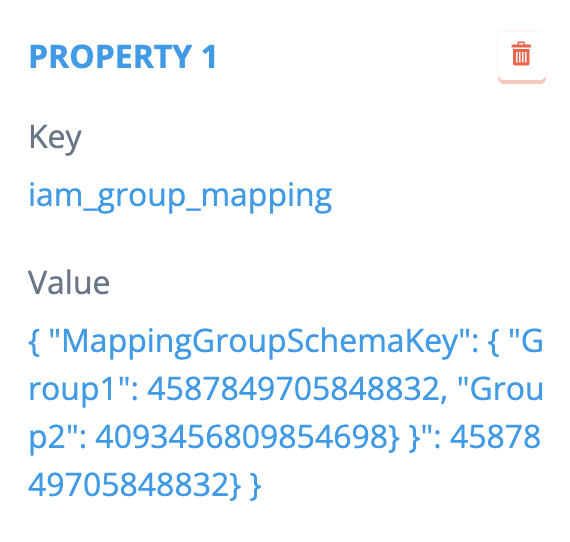
Note that this is not a Billing Account configuration but a Namespace configuration, otherwise it would be applied to all namespaces in that Billing Account, this way we give flexibility to the administrator to decide which namespaces are applicable to this mechanism.
User data mapping
User data from external applications can also be mapped into Energyworx user data attributes, for instance properties like LastSeenCountry or LastSeenRegion can be mapped from external user attributes. The user data mapping must be configured in two places:
- The SAML authentication provider configuration (for instance a Google Workspace). The administrator can add any key-value property to the sign_in_attributes which holds user relevant information.
- The Namespaces where the users can have access to. The administrator can configure the namespace property iam_user_property_mapping. This namespace property must contain the user data field mappings by specifying a key-value property in JSON format as follows:
{"city":"last_seen_city", "region":"last_seen_region"}
The following list of user data attributes can be mapped in the platform:
- last_seen_remote_address
- last_seen_country
- last_seen_region
- last_seen_city